LMT Premium extends LMT with additional features that require a premium license. Use the same match.lmtPlus widget and base configuration described on the LMT page; the properties on this page enable premium capabilities when your license includes them.
#Faster Data Streaming
Without an LMT Premium license, Live Match Tracker polls for match updates. When your license includes LMT Premium, WebSocket-based data streaming is enabled by default for lower latency and more efficient updates.
Use enableDataStream to turn off WebSocket streaming and fall back to polling—for example, if your integration cannot use WebSockets or you prefer polling behaviour.
Sample configuration (disable WebSocket streaming):
- enableDataStream:
false
The user's browser must support WebSocket connections.
Benefits:
- Faster live data delivery
- Reduced latency compared to polling
- Lower server load and more efficient bandwidth use
#Pitch View
The pitchView property selects the camera perspective for the pitch visualization.
| Value | Description | Supported sports |
|---|---|---|
"side" | Horizontal field orientation (default) | Soccer, basketball, tennis, table tennis |
"top" | Vertical court / bird's-eye orientation | All sports |
"rear" | Behind-the-goal perspective | Tennis, table tennis |
Sample configuration:
- pitchView:
"side" | "top" | "rear"
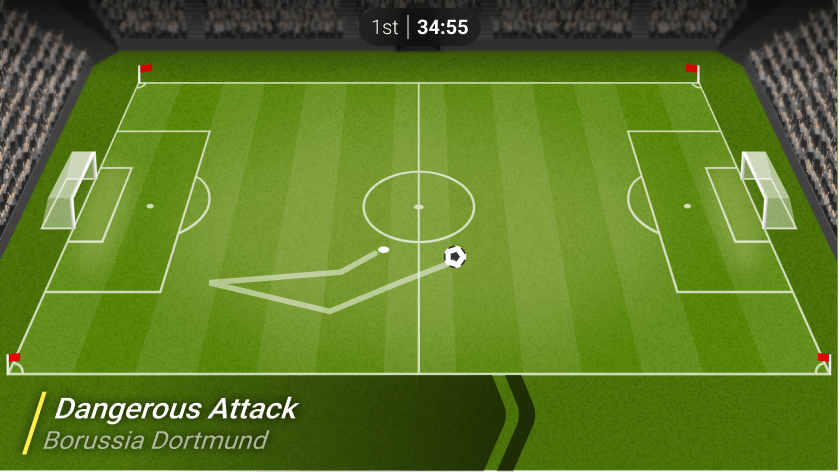
Side view (available for: Soccer, Basketball, Tennis and Table Tennis)
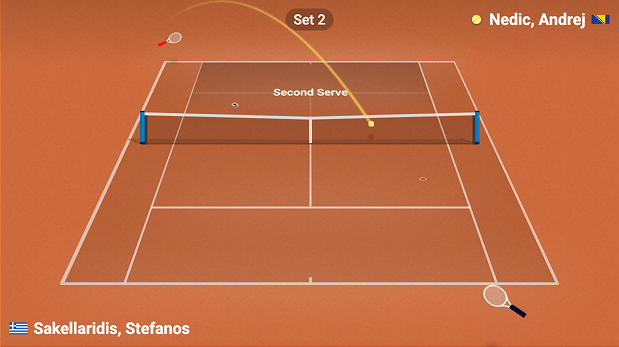
Rear view (available for: Tennis and Table Tennis)
#Virtualised LMT (VLMT)
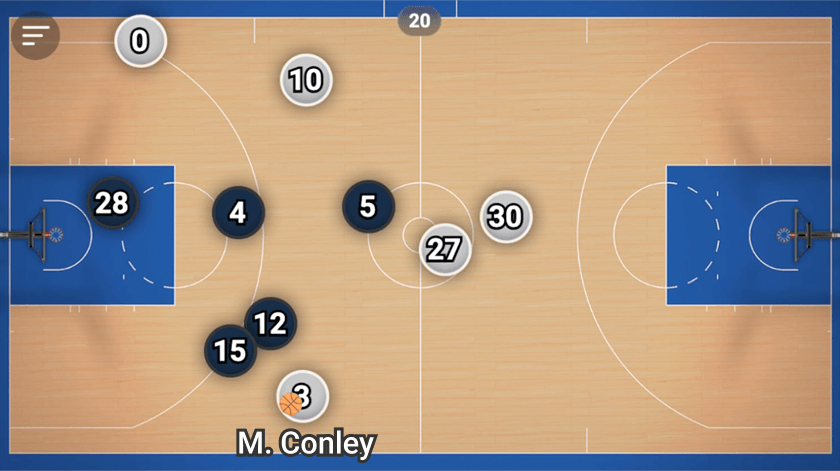
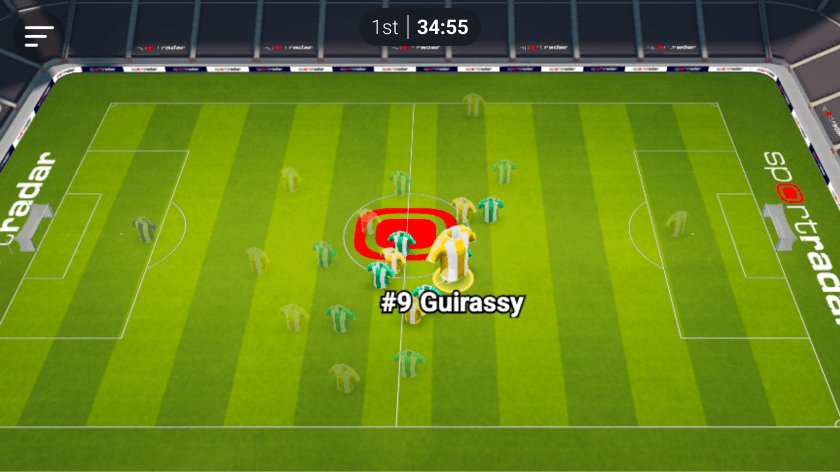
Virtualised Live Match Tracker delivers an immersive 3D match experience with detailed player models and real-time action powered by skeletal tracking data. A Light version is also available in a side and top down views for competitions without skeletal tracking data.
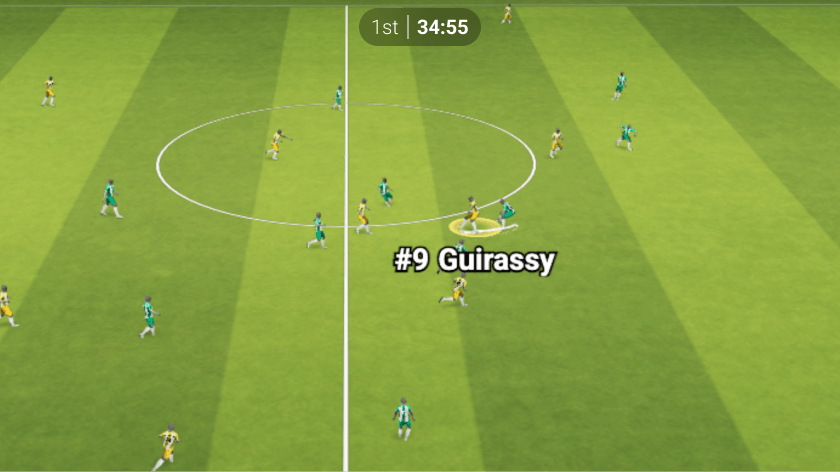
VLMT 3D Soccer
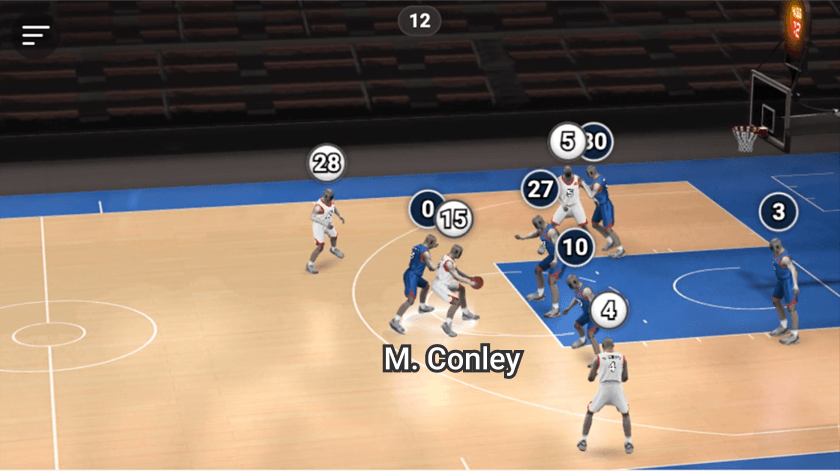
VLMT 3D Basketball
VLMT Side view Soccer
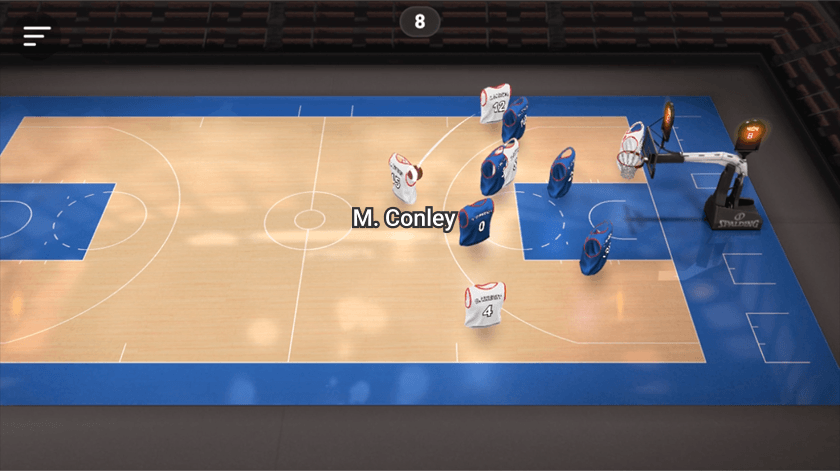
VLMT Side view Basketball
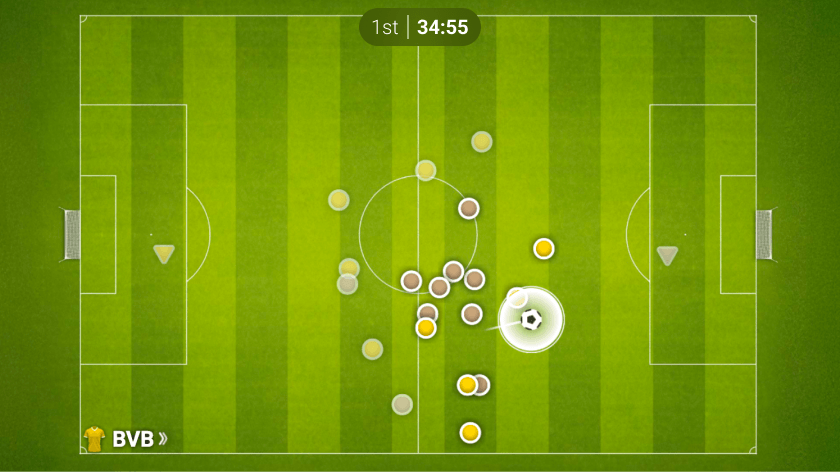
VLMT Top-down view Soccer
Sample Configuration:
- vlmtForce2d:
true
#API Reference
#Virtualised LMT
#Pitch View
| Property | Type | Default | Description |
|---|---|---|---|
pitchView | string | "side" | Pitch visualization perspective.
|
#Faster Data Streaming
| Property | Type | Default | Description |
|---|---|---|---|
enableDataStream | boolean | true (with LMT Premium license) | When true, uses WebSocket connections for faster match updates. When false, falls back to polling. |
#Integration Examples
#Property Name Transformations
Properties do not always transfer from the above table directly into integration code. Properties must be transformed differently for each integration method:
JavaScript/Programmatic Integration
- Property names remain unchanged in camelCase
- Properties become members of the 4th parameter object in
SIR()call - Example:
cardVariant: "compact"
In javascript integration, the properties go into an object which is passed as the 4th argument of the call ti SIR() function. Please see Global SIR API
HTML/Declarative Integration
- Convert camelCase to lowercase with dashes, e.g. cardVariant becomes card-variant
- Add
data-sr-prefix - Example:
cardVariant→data-sr-card-variant