The Custom Bet widget enables end users to combine multiple market outcomes from a single match into one combined bet with calculated odds. It is intended for sportsbook operators and betting platform developers who need to integrate a bet builder experience into their websites.
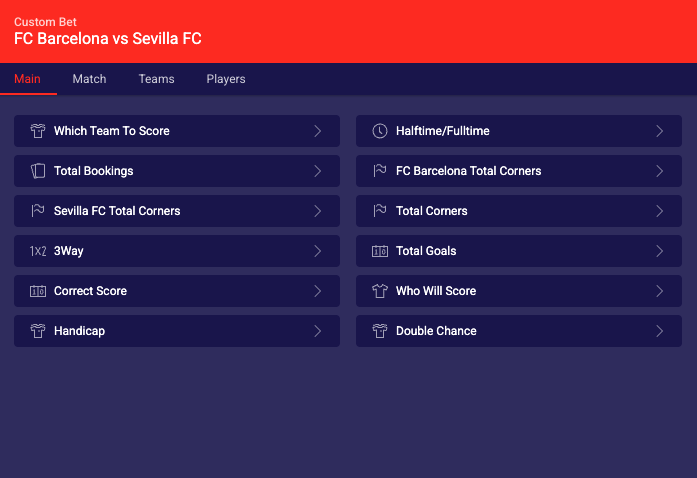
Inline mode — widget renders directly in the page
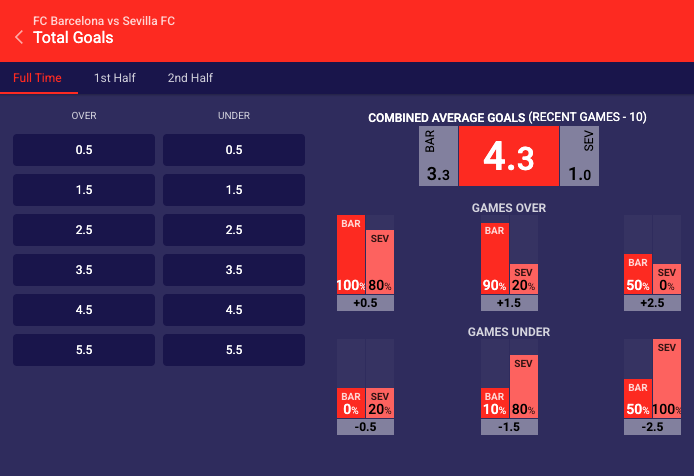
Categorized market with tabs
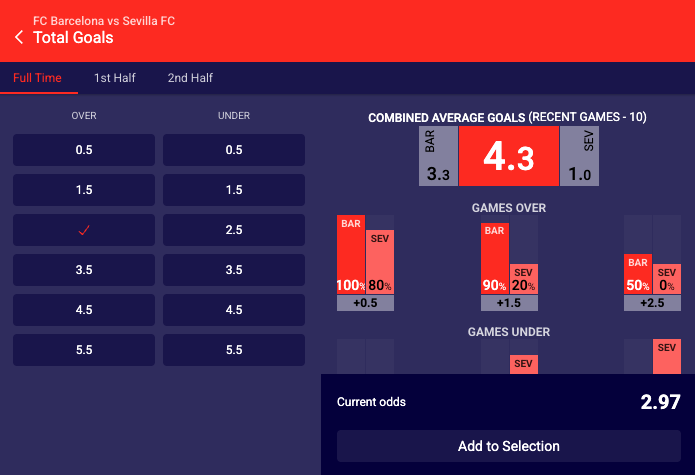
Outcome selection view within a market
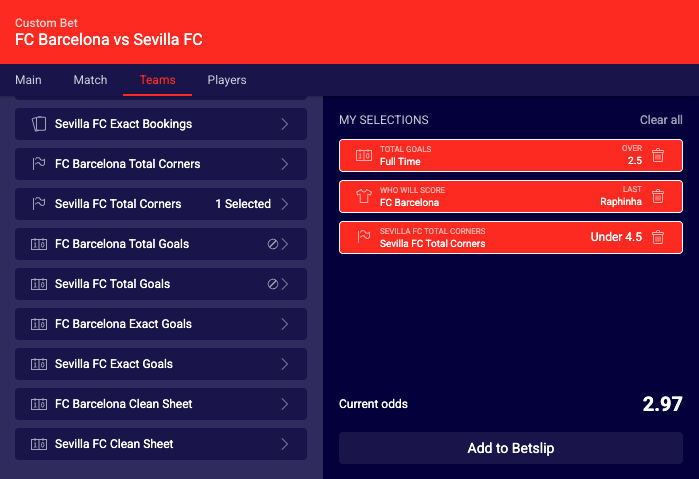
Bet builder panel with selected outcomes and calculated odds
See the Custom Bet widget demo.
#Required Parameters
The widget requires a match identifier and a data provider configuration.
Required:
- widget-name:
customBet - matchId: Sportradar match identifier for the event. See Getting Identifiers.
- dataProviderConfig: Configuration object containing the functions the widget calls to fetch data and submit bet slip actions. See Data Provider Configuration. When handling
addToBetSlip, see Handling Selections and Odds for validation and re-pricing.
#Integration Examples
Initialize the widget programmatically using the JavaScript API. The widget renders in the specified container element. The widget supports two data provider options: UOF Proxy for automatic UOF data handling, or Data Adapter for custom data handling.
Properties do not always transfer from the above table directly into integration code. Properties must be transformed differently for each integration method:
JavaScript/Programmatic Integration
- Property names remain unchanged in camelCase
- Properties become members of the 4th parameter object in
SIR()call - Example:
cardVariant: "compact"
In javascript integration, the properties go into an object which is passed as the 4th argument of the call ti SIR() function. Please see Global SIR API
HTML/Declarative Integration
- Convert camelCase to lowercase with dashes, e.g. cardVariant becomes card-variant
- Add
data-sr-prefix - Example:
cardVariant→data-sr-card-variant
In all examples replace sportradar in the widgetloader URL path with your clientId.
Example if your clientId is client1:
This URL: https://widgets.sir.sportradar.com/sportradar/widgetloader
becomes this: https://widgets.sir.sportradar.com/client1/widgetloader