Player Info widget displays comprehensive player statistics and biographical information for soccer players. It provides a detailed overview including profile information (height, weight, birth date, preferred foot), performance statistics (goals, assists, cards), appearance records, and offensive metrics. The widget automatically adapts its display based on player position, showing different stat categories for goalkeepers versus field players. Player information is presented with team affiliation, nationality, jersey number, and position. This widget is essential for player profile pages, team rosters, match previews, and player comparison features.
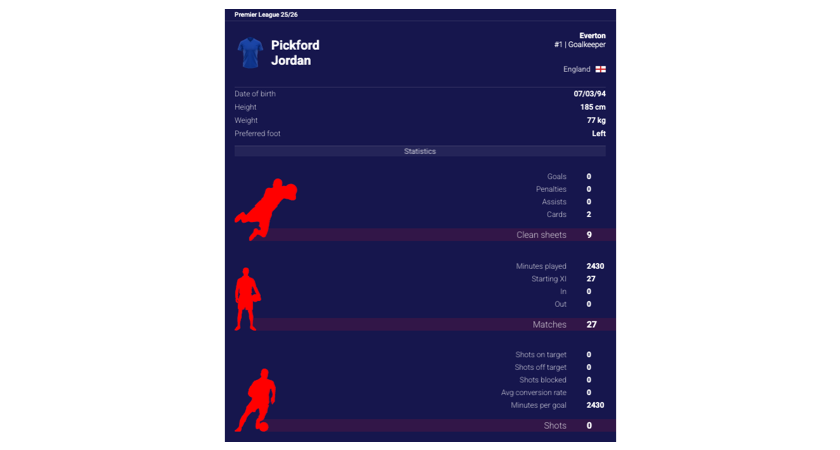
Shows the default view of the Player Info widget.
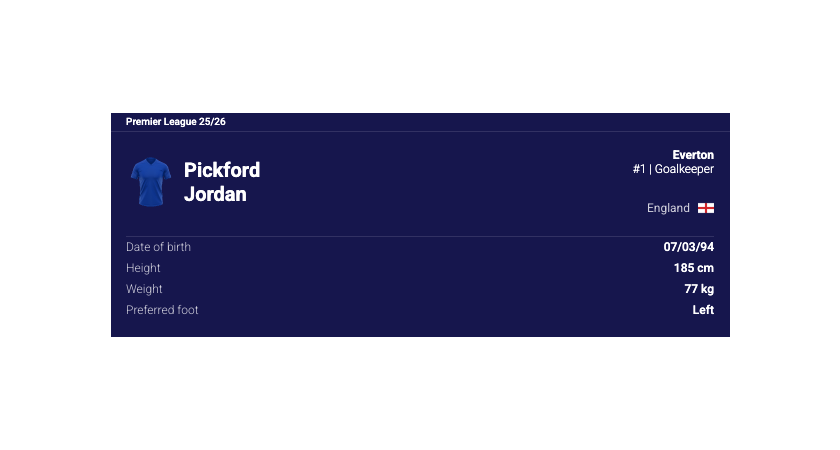
Shows the player info widget with specific sections disabled.
See the Player Info widget demo.
#API Reference
#Required Parameters
- widget-name:
player.info
The widget requires multiple parameters for complete functionality.
Required parameters:
- playerId (required): Player identifier
- teamUid (required): Team unique identifier for player's current/relevant team
Optional but recommended:
- seasonId: Season identifier for season-specific statistics (if omitted, shows career stats)
- uniqueTournamentId: Tournament identifier for context
Environment Requirements
Technical Requirements:
- JavaScript enabled
- XMLHttpRequest support for data fetching
- CSS3 support for styling and animations
Supported Sports
The Player Info widget supports the following sports:
| Sport | Sport ID |
|---|---|
| Soccer | 1 |
#Main Configurable Features
Illustrations of main feature variants with relevant property values below.
#Integration Examples
#Property Name Transformations
Properties do not always transfer from the above table directly into integration code. Properties must be transformed differently for each integration method:
JavaScript/Programmatic Integration
- Property names remain unchanged in camelCase
- Properties become members of the 4th parameter object in
SIR()call - Example:
cardVariant: "compact"
info
In javascript integration, the properties go into an object which is passed as the 4th argument of the call ti SIR() function. Please see Global SIR API
HTML/Declarative Integration
- Convert camelCase to lowercase with dashes, e.g. cardVariant becomes card-variant
- Add
data-sr-prefix - Example:
cardVariant→data-sr-card-variant