Game Pulse widget displays real-time match intensity and pressure levels using AI-powered analytics that measure attacking momentum, scoring opportunities, and match flow. The widget visualizes each team's current pressure level (Very Low to Very High) with animated pulse indicators, shows combined game pressure, and features a dynamic waveform animation representing match intensity fluctuations. It provides instant insight into which team is dominating play, how pressure shifts throughout the match, and overall game excitement levels. The widget includes customizable icon sets.
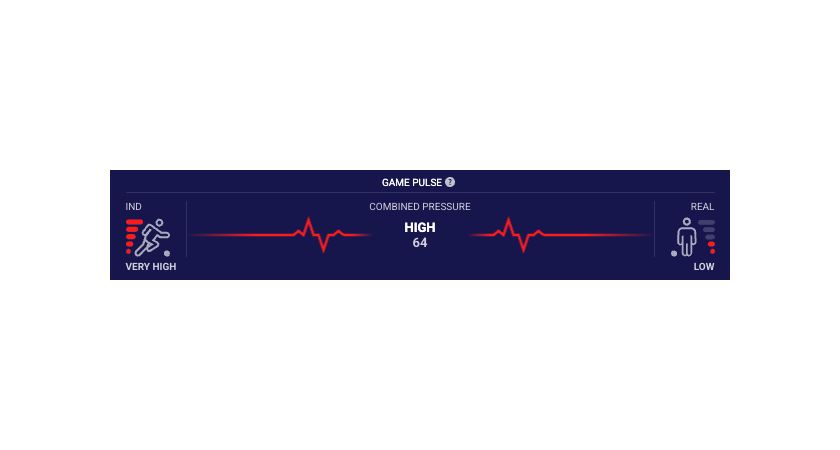
Shows the default view of the Game Pulse widget with default icons.
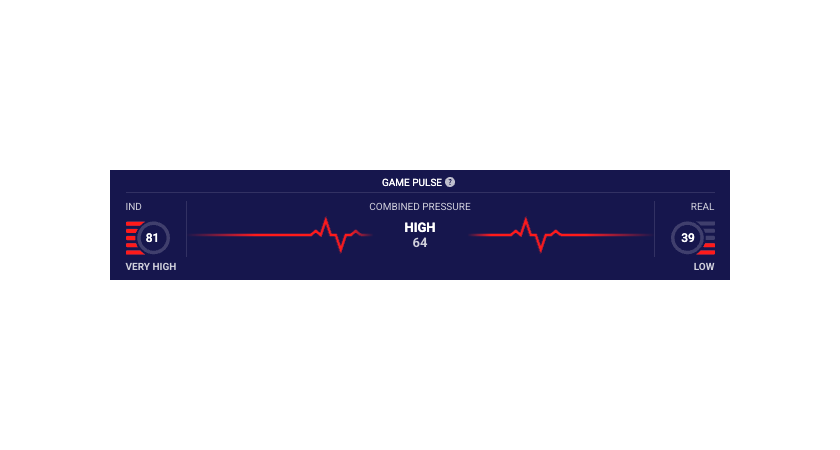
Shows the game pulse widget with icon version 2.
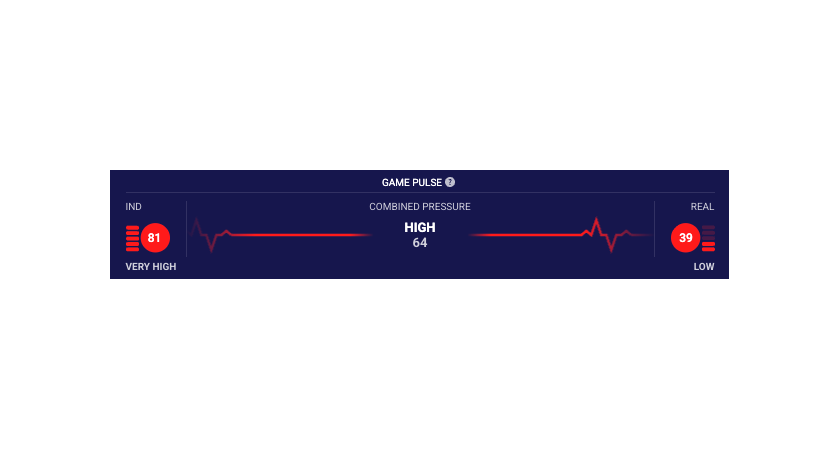
Shows the game pulse widget with icon version 3.
See the Game Pulse widget demo.
#API Reference
#Required Parameters
- widget-name:
match.gamePulse - matchId: The unique identifier for the match is the only required parameter. See Getting Identifiers
Environment Requirements
Technical Requirements:
- JavaScript enabled
- XMLHttpRequest support for data fetching
- CSS3 support for styling and animations
Supported Sports
The Game Pulse widget supports the following sports:
- Soccer
#Main Configurable Features
Illustrations of main feature variants with relevant property values below.
#Integration Examples
#Property Name Transformations
Properties do not always transfer from the above table directly into integration code. Properties must be transformed differently for each integration method:
JavaScript/Programmatic Integration
- Property names remain unchanged in camelCase
- Properties become members of the 4th parameter object in
SIR()call - Example:
cardVariant: "compact"
In javascript integration, the properties go into an object which is passed as the 4th argument of the call ti SIR() function. Please see Global SIR API
HTML/Declarative Integration
- Convert camelCase to lowercase with dashes, e.g. cardVariant becomes card-variant
- Add
data-sr-prefix - Example:
cardVariant→data-sr-card-variant