Match Commentary widget provides a chronological live feed of match events, displaying key moments in real-time. The widget combines match event data with optional AI-generated betting insights (Facts and Figures), offering two viewing modes: expanded view showing all events, and compact view displaying only major events. It presents a scrollable timeline with event icons, timestamps, player information, and contextual descriptions, creating an engaging play-by-play experience. The widget supports soccer and basketball, with sport-specific event types, icons, and formatting rules optimized for each game's unique characteristics.
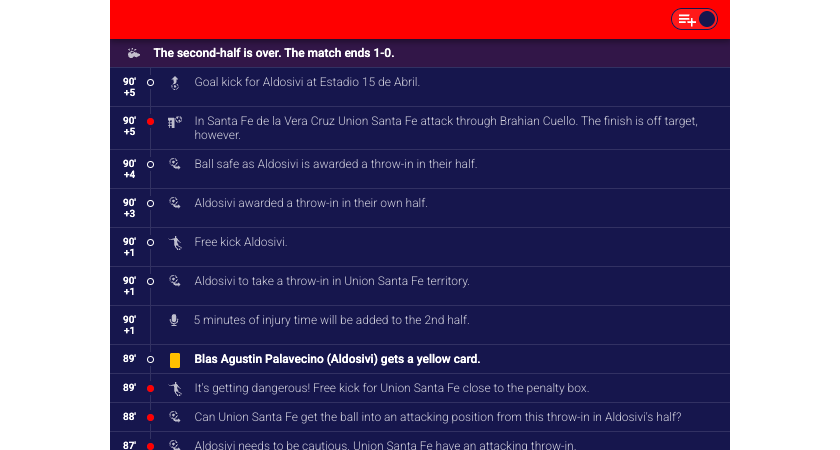
Shows the default view of the Match Commentary widget.
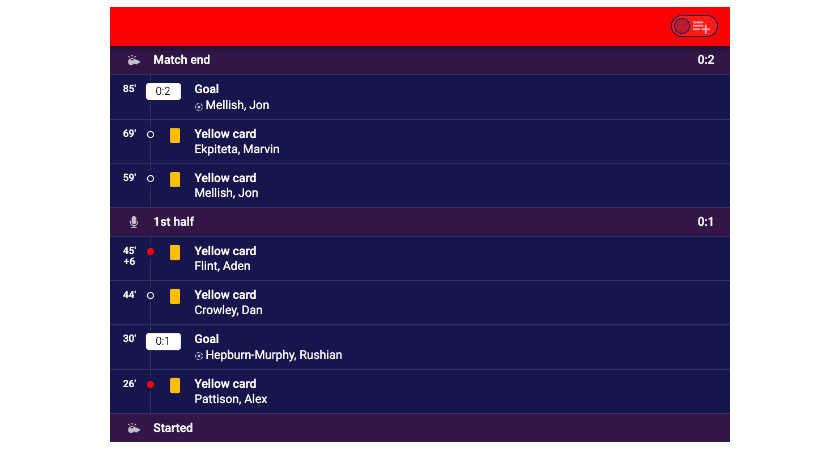
Shows only major events in the Match Commentary widget, filtering out less significant updates.
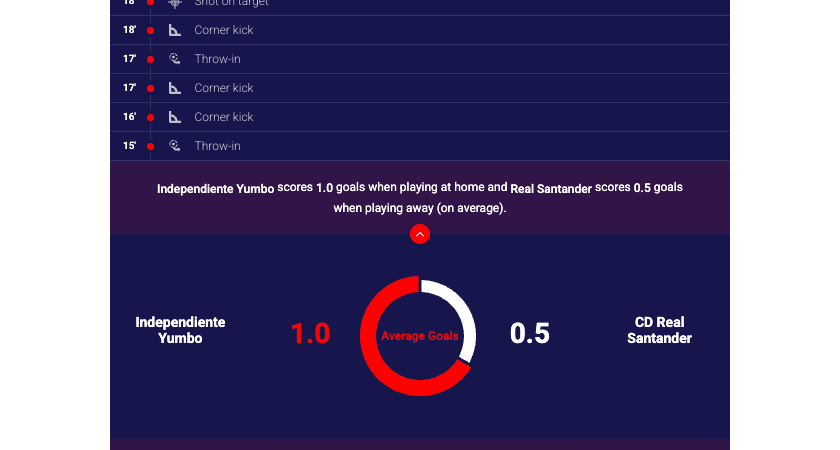
Shows the facts and figures section in the Match Commentary widget, providing additional context and insights about the match.
See the Match Commentary widget demo.
#API Reference
#Required Parameters
- widget-name:
match.commentary - matchId: The unique identifier for the match is the only required parameter. See Getting Identifiers
Environment Requirements
Technical Requirements:
- JavaScript enabled
- XMLHttpRequest support for data fetching
- CSS3 support for styling and animations
Supported Sports
The Match Commentary widget supports the following sports:
| Sport | Sport ID |
|---|---|
| Soccer | 1 |
| Basketball | 2 |
| Esport Soccer | 137 |
| Esport Basketball | 153 |
#Main Configurable Features
Illustrations of main feature variants with relevant property values below.
See Match Commentary widget demo
#Integration Examples
#Property Name Transformations
Properties do not always transfer from the above table directly into integration code. Properties must be transformed differently for each integration method:
JavaScript/Programmatic Integration
- Property names remain unchanged in camelCase
- Properties become members of the 4th parameter object in
SIR()call - Example:
cardVariant: "compact"
info
In javascript integration, the properties go into an object which is passed as the 4th argument of the call ti SIR() function. Please see Global SIR API
HTML/Declarative Integration
- Convert camelCase to lowercase with dashes, e.g. cardVariant becomes card-variant
- Add
data-sr-prefix - Example:
cardVariant→data-sr-card-variant