---
title: "Widget Correlations"
canonical_url: "https://apidocs.sportradar.com/resources/widgets/docs/tutorials/examples/correlations"
markdown_url: "https://apidocs.sportradar.com/resources/widgets/docs/tutorials/examples/correlations.md"
last_updated: "2026-03-23T13:02:35Z"
---
# Widget Correlations
Correlation examples demonstrate how widgets can communicate with each other by passing properties on user interactions. This enables you to create connected widget experiences where clicking an element in one widget updates another.
## The onItemClick Callback
All correlation examples use the universal click callback function `onItemClick`, which receives two arguments:
| Parameter | Type | Description |
| --------- | -------- | ------------------------------------------------------------------------------------------------------------------------------- |
| `type` | `string` | Type of clicked element: `'match'`, `'player'`, `'team'`, `'season'`, `'realCategory'`, `'tournament'`, or `'uniqueTournament'` |
| `obj` | `object` | Data object specific to the widget and element type. Properties vary by widget. |
> **Tip**
>
> Use the code example below to inspect available properties for any widget by replacing `'player.selector'` with your target widget name.
**View Inspection Code Example**
```html
```
> **Note**
>
> Correlation examples work best with Chrome and Firefox browsers.
***
## Correlation Examples
### Match Correlation
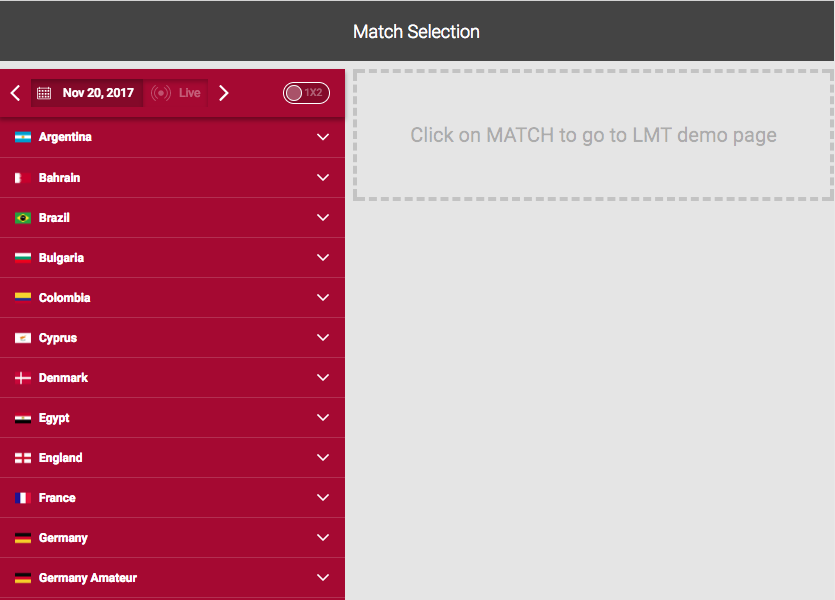
**How It Works:**
| Input Widget | Output Widget | Shared Properties |
| ----------------- | ------------- | ----------------- |
| `match.matchlist` | LMT demo page | • `matchId` |
> **Tip**
>
> For the best presentation, choose a live match when testing this correlation.
### Player Correlation
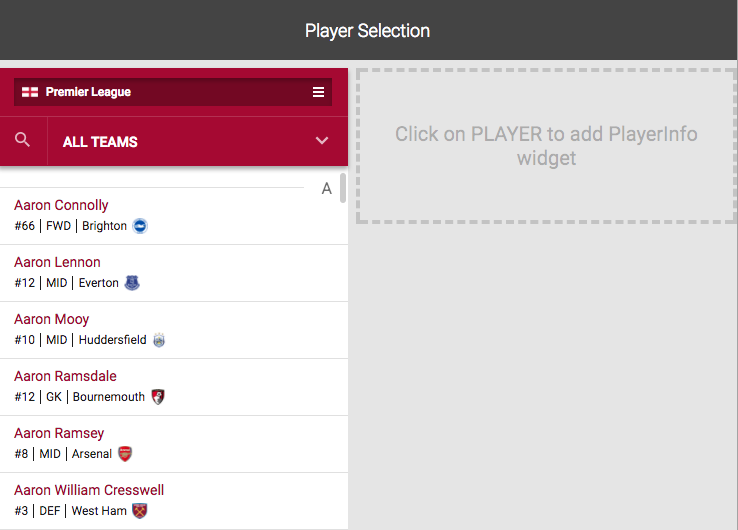
**How It Works:**
| Input Widget | Output Widget | Shared Properties |
| ----------------- | ------------- | ---------------------------------------------------- |
| `player.selector` | `player.info` | • `playerId`
• `teamId`
• `uniqueTournamentId` |
### Soccer Team Correlation
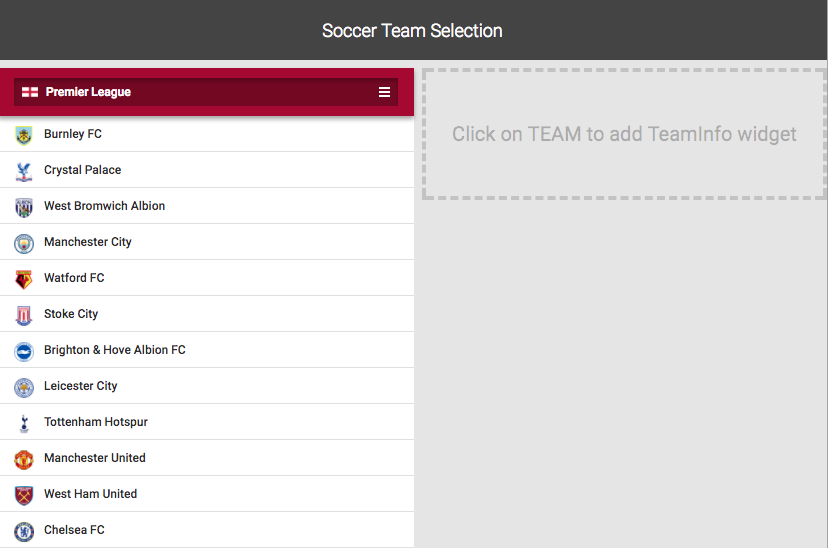
**How It Works:**
| Input Widget | Output Widget | Shared Properties |
| --------------- | ------------- | ----------------------------------------------------- |
| `team.selector` | `team.info` | • `seasonId`
• `uniqueTournamentId`
• `teamUid` |
### Multi-Level Correlation (Team → Player)
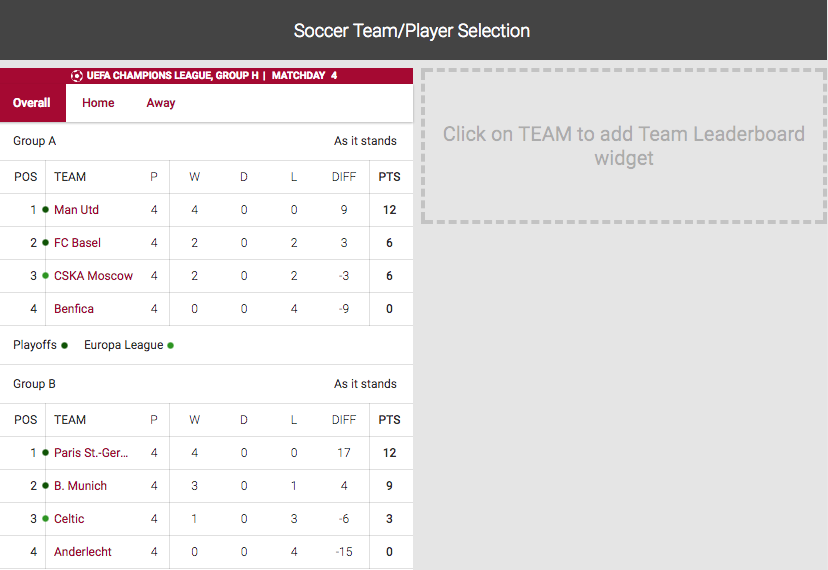
**How It Works:**
| Input Widget | Output Widget | Shared Properties |
| ------------------ | ------------------ | -------------------------------------------------------------------- |
| `season.liveTable` | `team.leaderboard` | • `matchId`
• `seasonId`
• `uniqueTournamentId`
• `teamUid` |
| `team.leaderboard` | `player.info` | • `playerId`
• `teamUid`
• `uniqueTournamentId` |
> **Info**
>
> This example demonstrates multi-level widget correlations where one interaction triggers a chain of updates.
### Basketball Team Correlation
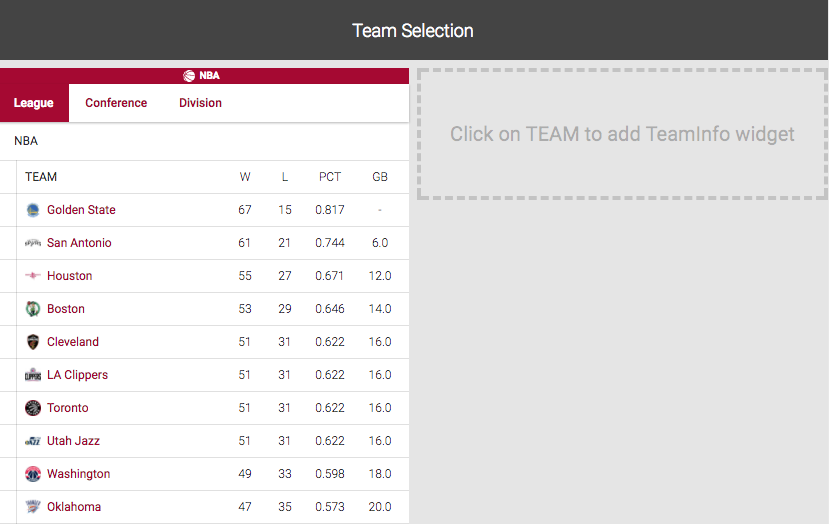
**How It Works:**
| Input Widget | Output Widget | Shared Properties |
| ------------------ | ---------------------- | --------------------------- |
| `season.liveTable` | `team.basketball.info` | • `seasonId`
• `teamUid` |
***
## Additional Resources
For more information about widget integration and advanced features:
- [Common Adapter Types](https://apidocs.sportradar.com/resources/widgets/adapter/Types.md) - Shared type definitions and interfaces